---
updatedAt: 2026-08-24T15:48:16.000Z
---
Fetch the complete documentation index at: https://docs.rainforestpay.com/llms.txt. Use this file to discover all available pages before exploring further. Append .md to any documentation page URL to get its markdown version.
# Working with components
Embed Rainforest components into your platform
Rainforest components are pre-built web components designed to simplify your integration to Rainforest while retaining your platform's look and feel and control of your merchant and user's experience.
# JavaScript bundles
***
The Rainforest components are defined in the [JavaScript bundles](https://docs.rainforestpay.com/docs/javascript-bundle). Once one of the Rainforest JS bundles has been initialized, you can embed any of the Rainforest components into your platform.
```html
```
# Props
***
Props are set directly on the components through valid attributes. Props are used for business logic and to pass custom CSS styling to the components. Head over to one of the component guides to learn about valid props.
```html
```
# Authentication
***
All components require a valid `session-key` to access data and/or perform actions within our components. See [component sessions](https://docs.rainforestpay.com/docs/component-sessions) to learn how to create a temporary session.
```html
```
# Component studio
***
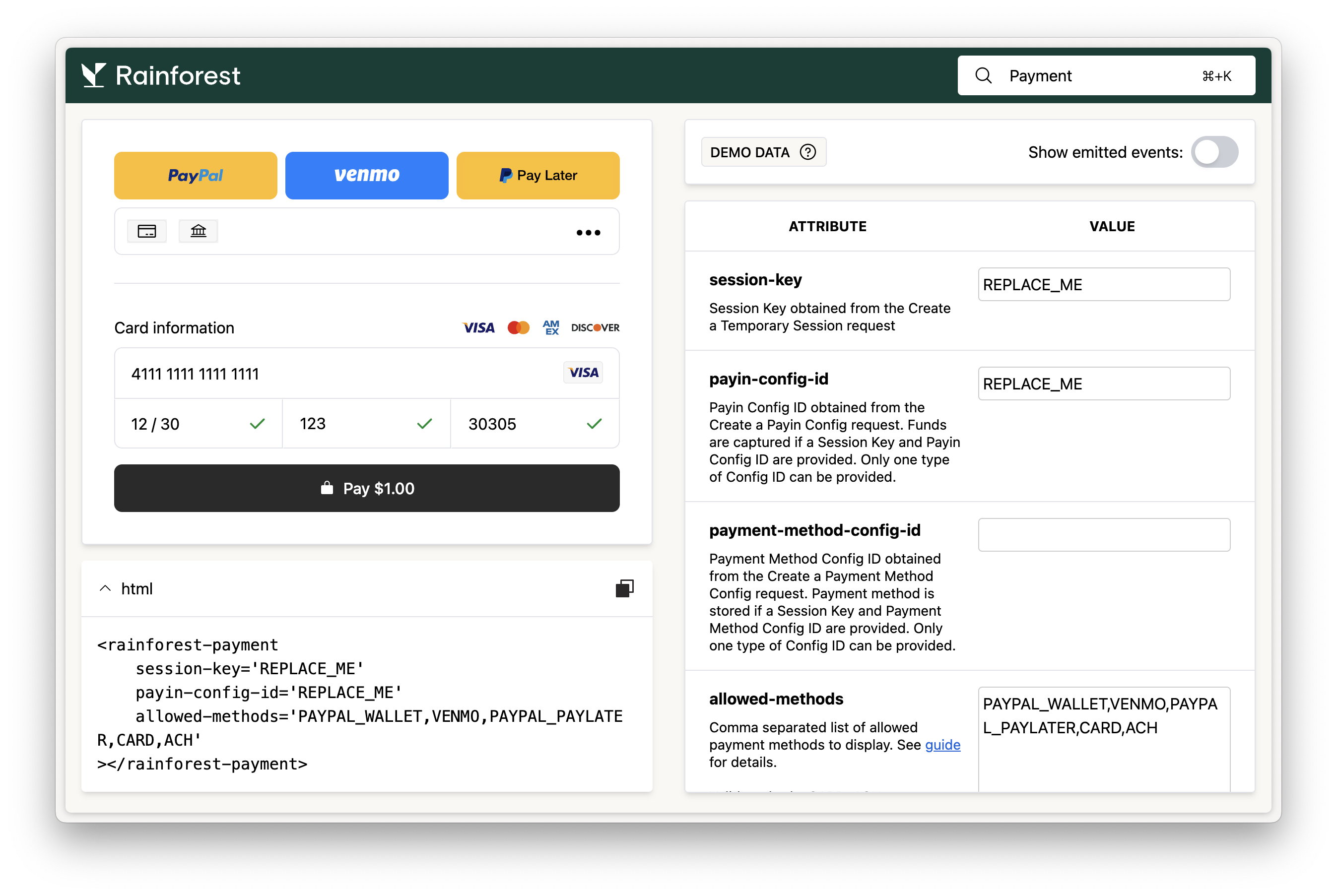
Each of our components has a studio to help make designing your components easy. Head over to the [payment component studio](https://static.rainforestpay.com/demo-sandbox/studio.html?type=payment) to start designing the embedded payment component for your platform integration.