
Merchant bank account updates
Rainforest now supports updating Merchant Deposit and Billing accounts (DDAs) directly in the Rainforest Portal.
Previously, DDA changes required a manual support request; platforms can now submit these updates directly, without opening a support ticket.
Updating a Merchant's Bank Accounts
Updating a merchant DDA Merchant deposit and billing accounts can now be updated from the merchant details experience in the Rainforest Portal. This covers both the Deposit account and the Billing account associated with a merchant.
This is intended for cases where a merchant's bank account information has changed, such as a new account being opened, a bank change, or an incorrectly entered account needing correction.
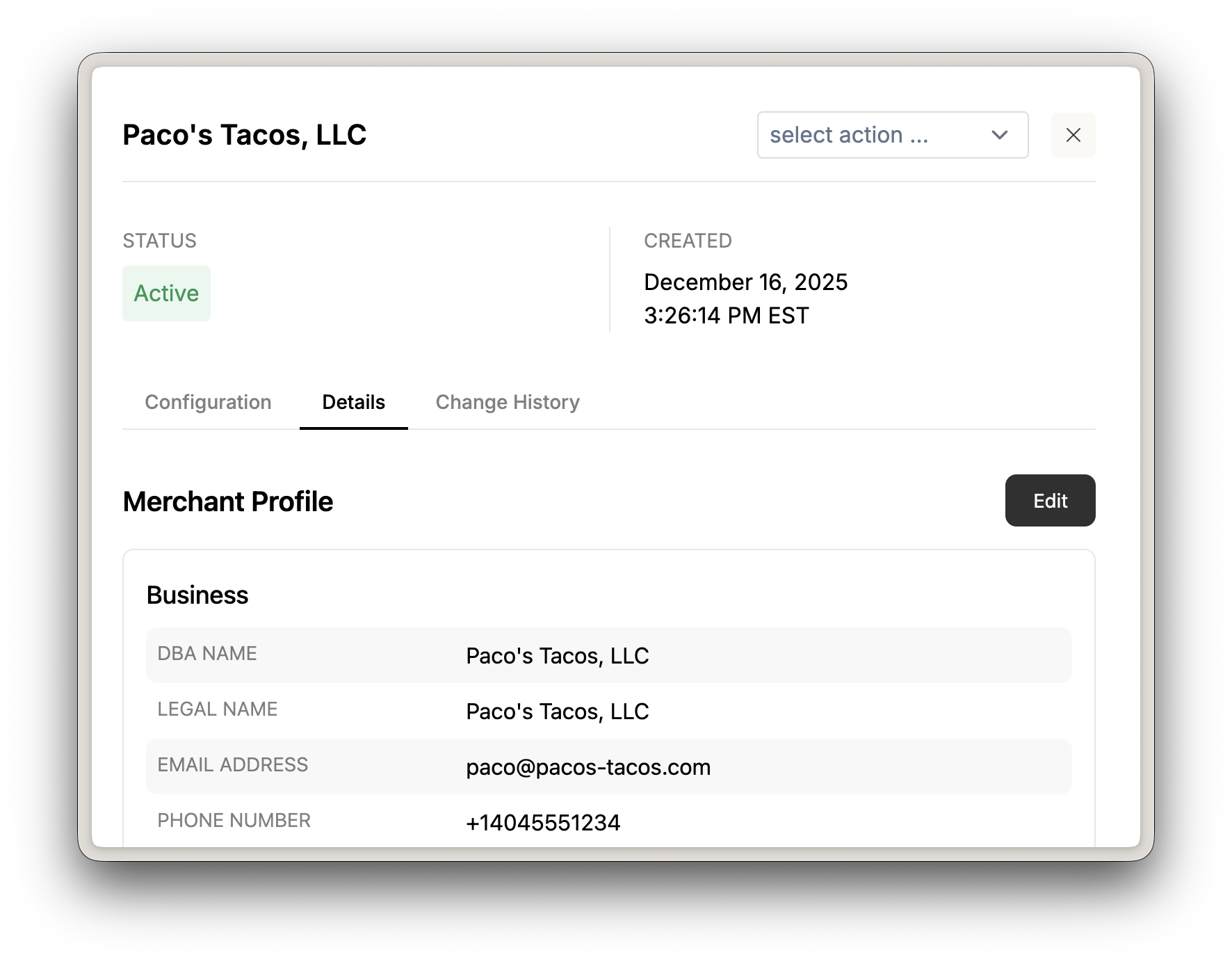
Open a Merchant's details and click the 'Edit' button
To update a bank account, click on Merchants from the left hand menu, locate the merchant that is requesting the DDA update, click Edit and enter the new bank account information. The bank account will be validated in real time and, if automated validation is not successful, you will be prompted to upload supporting documentation, such as a voided check or bank statement.
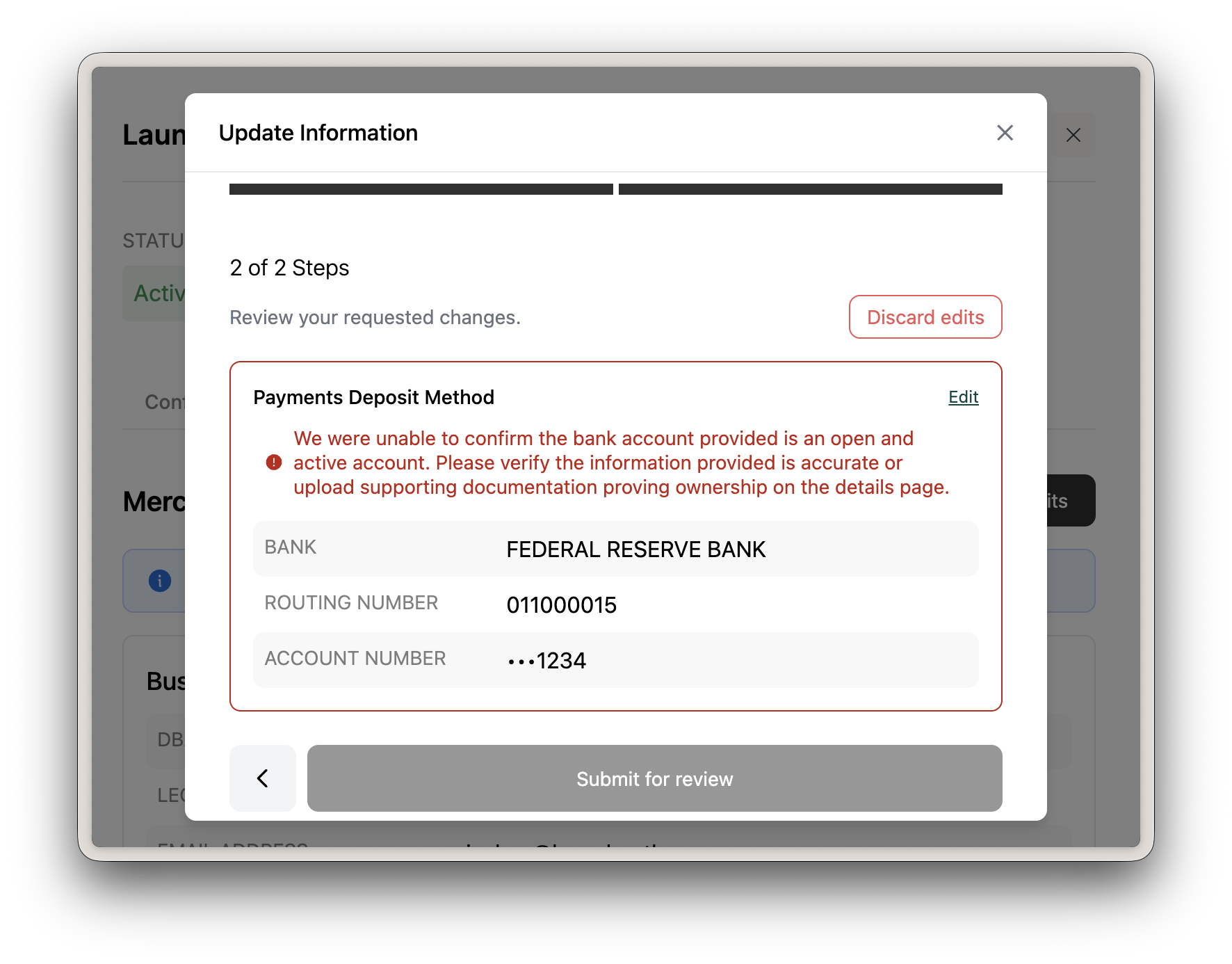
Realtime validation of bank account information
Risk Review
All DDA updates still require review by the Rainforest team before the change takes effect. Once a request is submitted, it will be reviewed and applied upon approval. No action is needed from the platform after submission.
Please contact support if you have any questions.