
Collect tips on Mobile Pay and Tap to Phone SDK payments
Rainforest now supports collecting a tip on Mobile Pay and Tap to Phone SDK payments, enabling merchants to accept tips when taking payments on an iOS or Android device.
Mobile Pay
Before the end user taps to pay, Mobile Pay shows a tip screen with up to 4 preset tip percentages or amounts. The end user can pick a preset, enter a custom tip amount, or choose no tip.
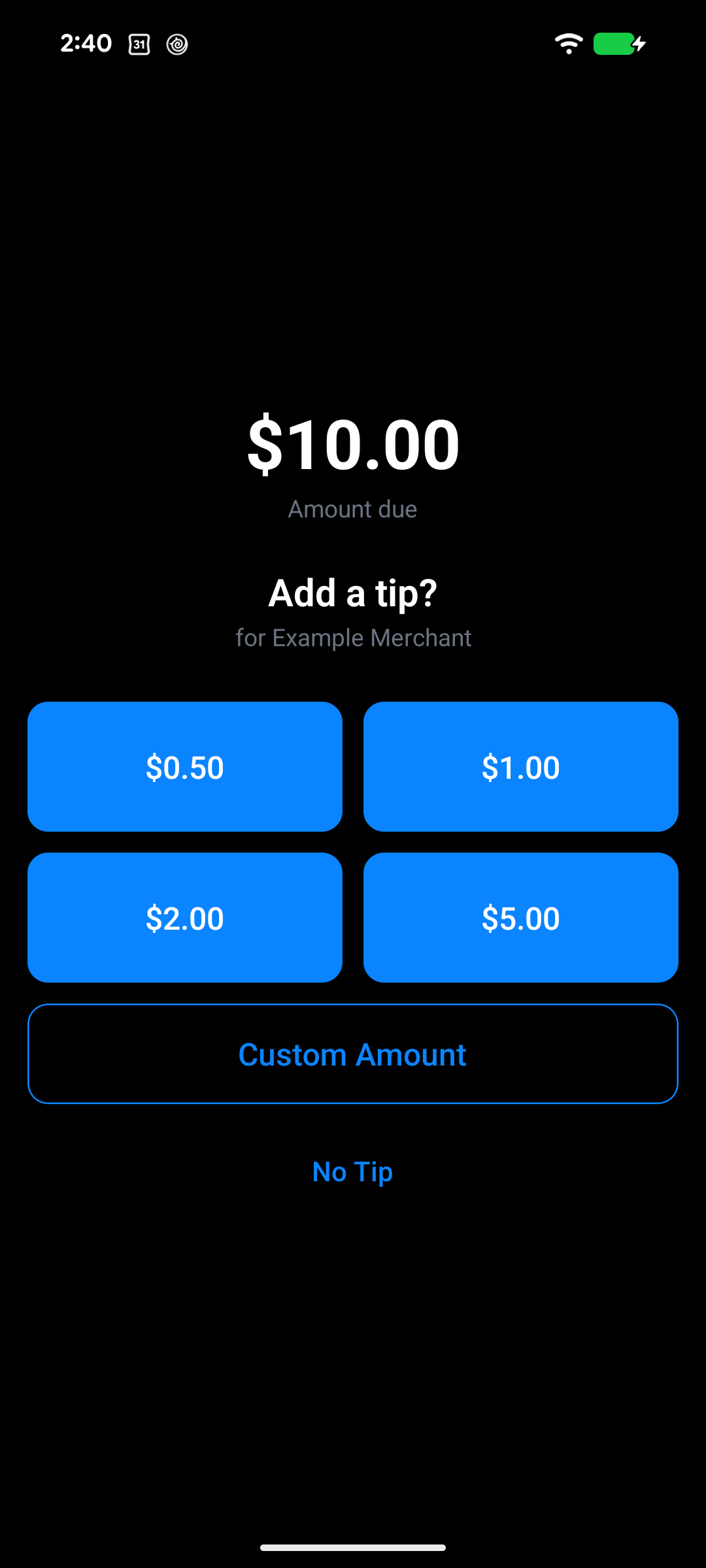
Add a tip screen on Android Mobile Pay
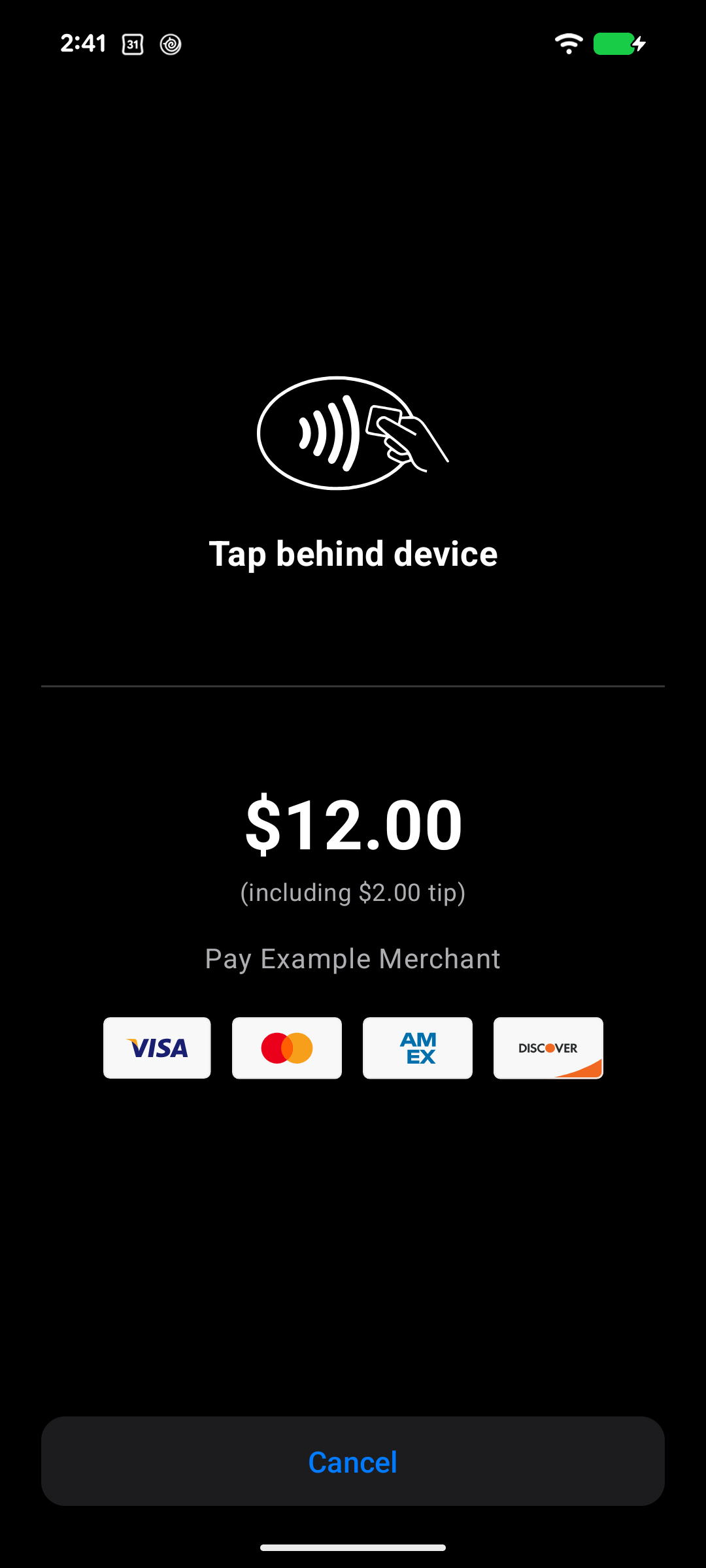
Tap to Phone screen on Android Mobile Pay
To collect tips, configure the payin to request a tip. Mobile Pay uses the same tip configuration as terminal devices, so platforms already integrated with tipping on devices don't need any additional integration work.
Tap to Phone SDK
When integrating with the Tap to Phone SDK, collect the tip in your platform’s own app UI and pass the tip amount into the SDK. Rainforest calculates the new total amount to process, including the tip, before displaying the Tap to Phone screen to the end user.
Reporting
Tips collected through both payment flows are displayed in the API and Reporting Components.
Head over to the Collect tips via device guide for details on how to configure tipping for Mobile Pay.
Please contact support if you have any questions.