
Mobile Pay
Process device payments with the iOS or Android Mobile Pay application
Mobile Pay is a mobile application hosted by Rainforest that can process payments utilizing Tap to Phone.
The Mobile Pay application is supported on iOS and Android. Mobile Pay utilizes the same integration with Rainforest as the physical terminal devices, but the iPhone or Android phone/tablet serves as the device.
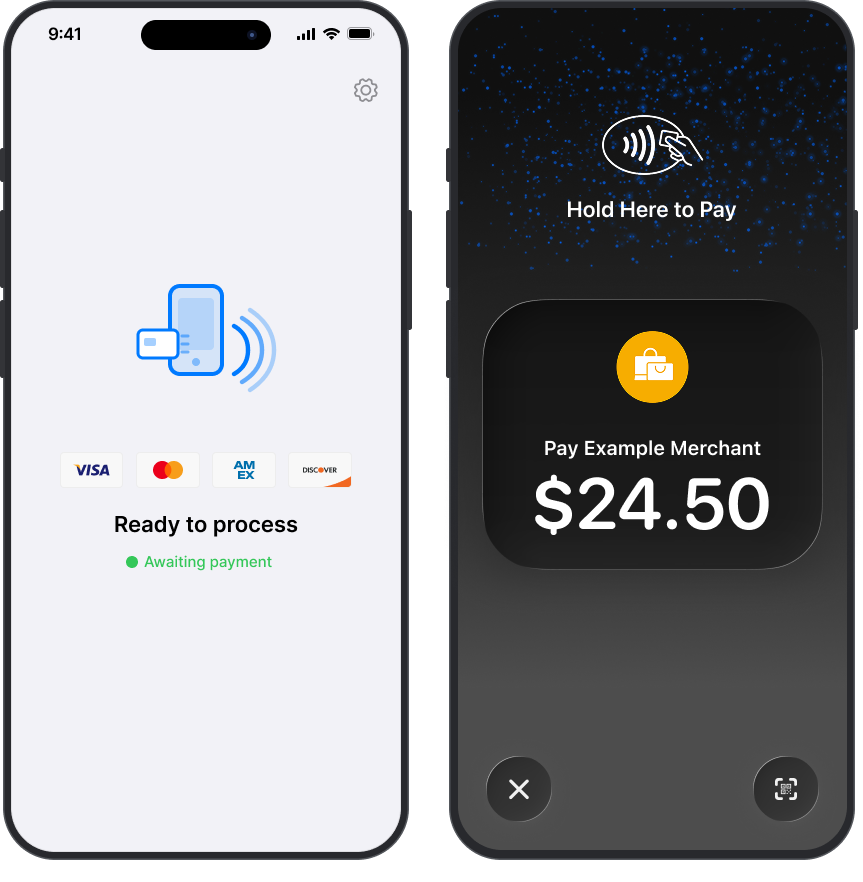
Mobile Pay on an iOS device
Mobile Pay payments are processed with the same integration as Devices using the Rainforest API to:
- Register and de-register the Mobile Pay app on a device to a merchant
- Configure a payment and present it to the Mobile Pay app for the user to process a payment
- Listen to the result of the payment
Mobile Pay prerequisites
There are a few prerequisites to integrate with Mobile Pay:
- Mobile Pay is only available within the United States.
- If your platform has developers outside of the United States, see International developers for how to develop with Mobile Pay.
- The device has NFC capabilities enabled.
- The device has location permissions enabled.
- The device has bluetooth permissions enabled.
- The device has identity security enabled via face recognition, fingerprint, or passcode.
iOS has the following additional prerequisites:
- Mobile Pay is only compatible with iPhones that support Tap to Pay.
- The device is running on iOS version 17.4 or newer.
Android has the following additional prerequisites:
- The device is running on Android 11.0 (API level 30) or higher operating system.
Limitations
There are a few limitations to consider when processing payments through Mobile Pay:
- Mobile Pay does not support storing a payment method without processing a payin. A payin must be processed to store a payment method.
- Separate authorization and capture is not supported.
- Partial authorization is not supported.
iOS has the following additional limitations:
- iOS Tap to Phone functionality cannot be used while a phone call is active.
- iOS Tap to Phone functionality cannot be used while connected to Apple CarPlay.
Billing
Mobile Pay utilizes Tap to Phone to process payments. The Tap to Phone fee is billed per tap, regardless of the result of the payin. Meaning the payin that you attempt to process through Mobile Pay, whether the payin status is Processing or Failed, will incur a Tap to Phone fee. If the end user cancels the payment flow prior to the payin processing, then this payin will not incur a fee.
| Outcome | Billed? |
|---|---|
| Tap succeeds and payin status is Processing | Yes - standard per-tap fee applies |
| Tap fails and payin status is Failed | Yes - standard per-tap fee applies |
| Tap is canceled prior to processing | No - only case that does not apply the per-tap fee |
The Tap to Phone fee can be passed onto the merchant via the merchant billing profile. In the merchant's daily funding deposit, an adjustment will be included for all Tap to Phone taps created the day before with an 11pm ET daily cutoff.
For example, the merchant's deposit on November 25, 2025 would include an adjustment for the Tap to Phone taps between November 23rd 11pm ET and November 24th 11pm ET.
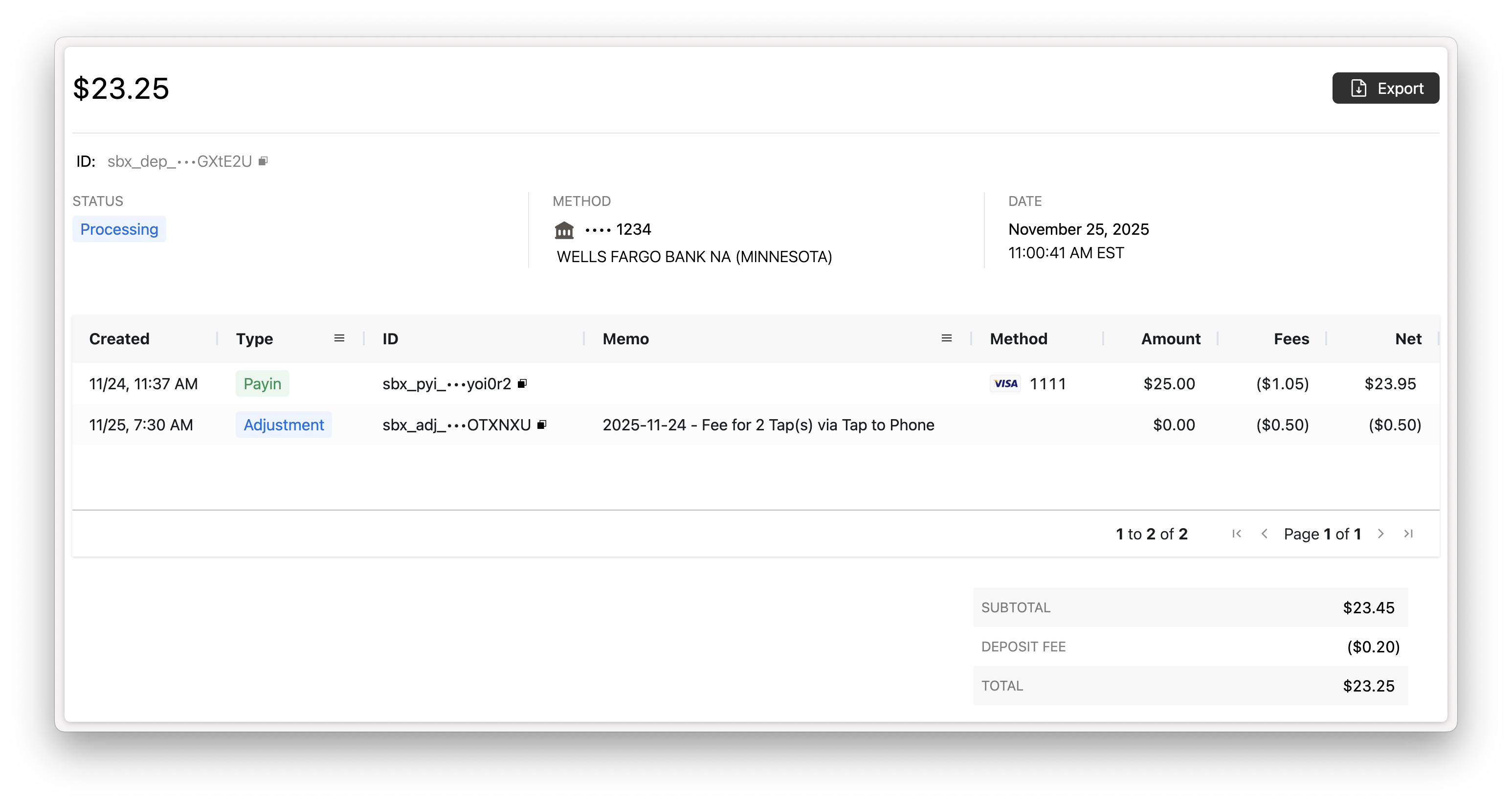
Configure the Deposit Report Component to include the memo column to provide context on the adjustment to your merchant.
Enable Mobile Pay
Head over to the Enable Mobile Pay guide for technical integration instructions.
Updated about 2 months ago