
Top-ups
Add funds to a merchant's balance to cover payouts
Early PreviewThis feature is currently in Beta. Please contact Rainforest support or your Platform Success Manager for more information on Payouts.
Feature requirements🔐 Rainforest must enable the platform to access this feature
💲 Billing fees associated to this feature
A top-up adds funds from a bank account to a merchant’s available balance. This allows the merchant to send payouts for more than they have processed through payments with Rainforest. For example, a merchant can top up their balance to pay their suppliers before their own end customers have paid.
What is a top-up?
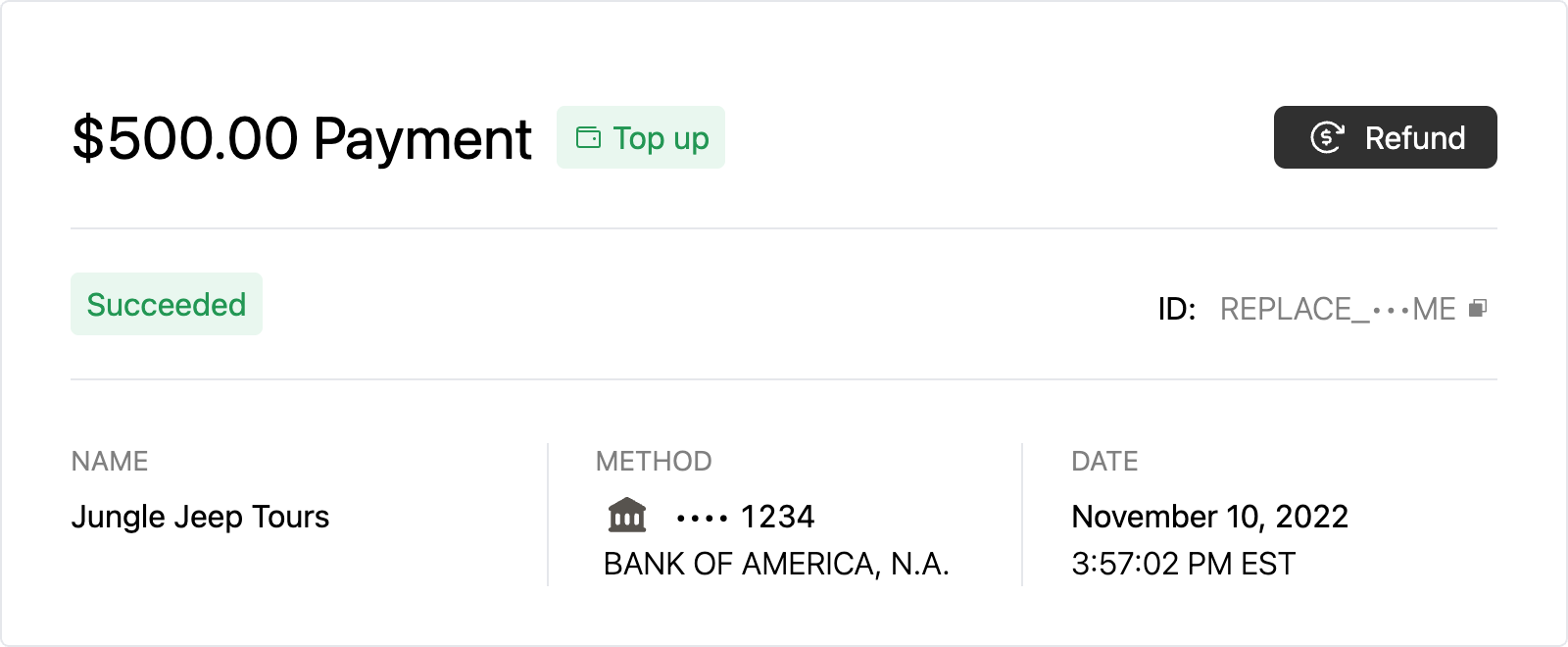
A top-up is a payin with the type of Top-up. Instead of an end user paying the merchant for goods or services, the merchant processes a payin to fund their own balance. Once the top-up succeeds, the funds become part of the merchant's available balance and can be used for payouts.
A top-up is paid from a bank account by ACH or validated ACH. The bank account can be any account the merchant enters, not only the deposit method they provided in merchant onboarding.
How to process a top-up
Merchants create top-ups from the Merchant Account Component “Add funds” button.

Rainforest processes the top-up as an ACH payin. While the top-up processes, the funds are part of the merchant's pending payments. Once the top-up has the status of Succeeded, the funds move into the merchant's available balance and can be paid out.
Because a top-up is an ACH payin, it can result in an ACH return, for example when the bank account does not have enough funds.
Top-up timing
A top-up follows the same timing as any other ACH or validated ACH payin for the merchant, and becomes available in the merchant's balance when it would otherwise be included in a deposit. Rainforest's standard timing for ACH payins is T+4, so a top-up processed on Monday is available in the merchant's balance on Friday.
Statement descriptor
A top-up appears on the bank account statement the same way as any other ACH payin from the merchant.
| Type | Statement Descriptor | Example |
|---|---|---|
| Top-up | {Merchant DBA Name} {8 alpha-numeric value}-p | MERCHANT UxhzthhT-p |
Billing
A top-up is charged the same billing fees as any other ACH or validated ACH payin, set on the merchant's billing profile. The fee is added to the top-up amount, so the payin processed from the bank account is for the top-up amount plus the fee, and the merchant receives the full top-up amount in their available balance.
For example, a $500.00 top-up with a $10.00 fee is processed as a $510.00 payin. The $10.00 fee is deducted, and $500.00 becomes available in the merchant's balance.
Top-ups in reports
Top-ups appear in the Payment Report Component as payins with the type of Top-up.
Updated about 4 hours ago