
Update or cancel a payout
How to update or cancel a scheduled payout via Components or API
Early PreviewThis feature is currently in Beta. Please contact Rainforest support or your Platform Success Manager for more information on Payouts.
A payout can be updated or canceled while it is Scheduled, until 9:00 PM ET on its scheduled payout date. For example, a payout requested for Saturday is typically scheduled for Sunday, so it can be updated or canceled until Sunday at 9:00 PM ET. Once a payout is Processing, it can no longer be updated or canceled. See payout timing for additional details on how the payout’s scheduled date is determined.
Update a payout
While a payout is Scheduled, you can update:
- Amount: When the amount increases, Rainforest checks that the merchant's available balance covers the difference and deducts it from the available balance. When the amount decreases, the difference goes back to the available balance.
- Requested payout date: The scheduled payout date and estimated arrival date are recalculated with the same rules as a new payout. See payout timing for how Rainforest determines the new dates.
You can update the payout's metadata at any time, because metadata does not affect the balance.
The payout receiver and bank account cannot be updated on an existing payout. To send the funds somewhere else, cancel the payout and create a new one.
To update a payout via API, call the Update payout endpoint with the fields to update.
{
  "amount": 100000,
  "requested_payout_date": "2026-11-04"
}
Cancel a payout
A payout can be canceled while it is Scheduled or In Review. Canceling a payout moves it to the status of Canceled, and the amount goes back to the merchant's available balance. The payout fee is not charged on a canceled payout.
Once a payout is canceled, its payout config can be used to create a new payout.
Cancel via Components
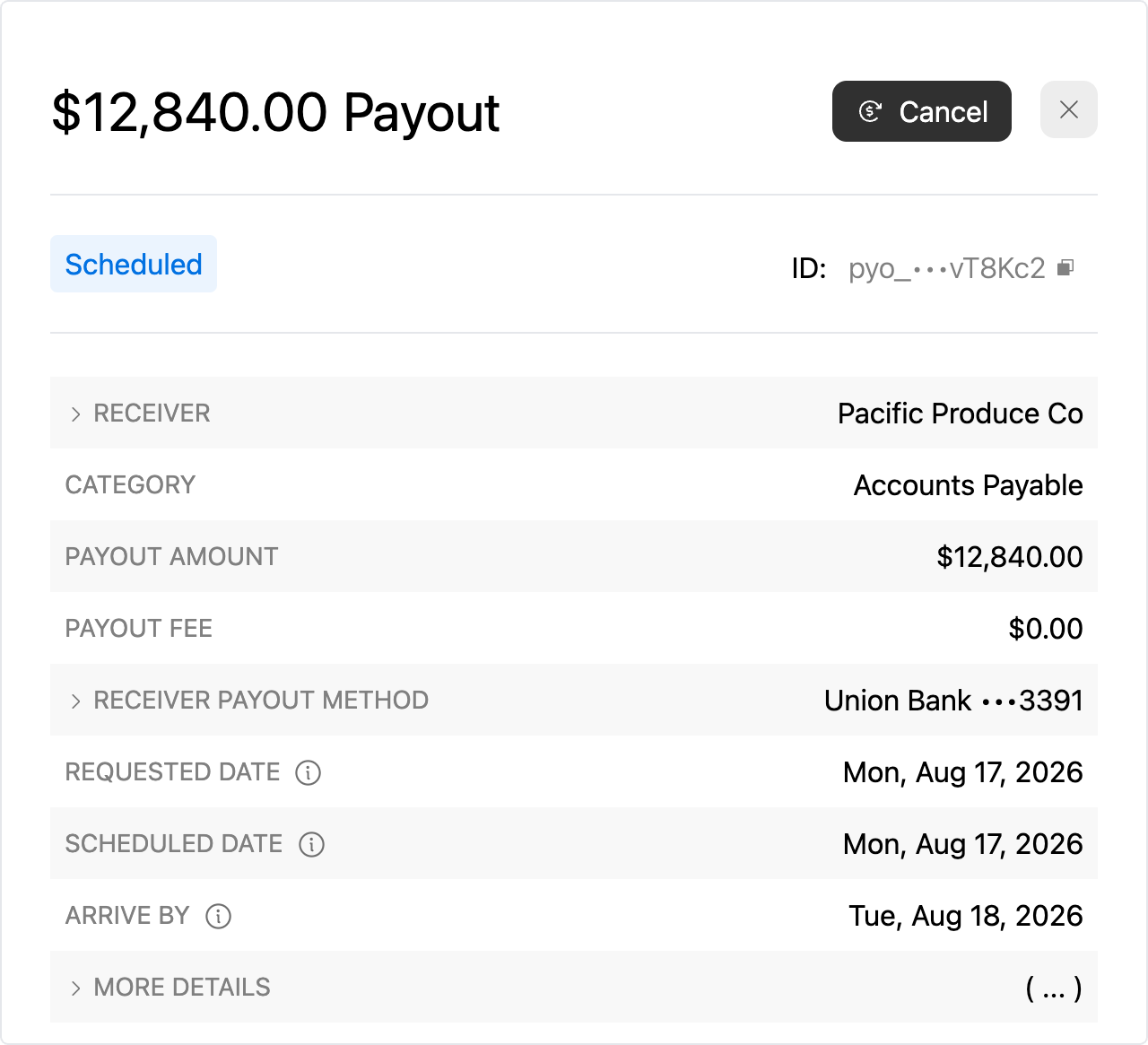
Merchants can cancel a scheduled payout from the payout details in the Payout Report Component, or the Merchant Account Component with the following configuration:
- The session’s permissions include the
update_payoutpermission group - The allowed-actions prop includes
cancel-payout
Cancel via API
Call the Cancel payout endpoint. You can include an optional cancel_reason of up to 255 characters, which is returned on the payout.
{
  "cancel_reason": "Job canceled by the merchant"
}
Webhooks
When a payout is canceled, Rainforest sends the payout.canceled webhook.
Updated about 3 hours ago